These course plans are specifically tailored to the Czech educational environment. For that reason, they have intentionally not yet been translated and are currently available only in Czech.
Course Plans
How to Use the Course Plans
The course plans published below present the provisionally planned content of our game-based Informatics quiz courses. They are based on the current revision of the Czech Framework Educational Programme for Basic Education (RVP ZV) and are designed to help schools prepare their new school curricula (ŠVP).
Recommended distribution across grades
Each pair of courses covers the recommended content for one school year.
This is only a recommended arrangement - the selection of courses and their placement within individual grades remains entirely at the school’s discretion.
Courses 1 and 2 are intended primarily for Grade 6.
Courses 3 and 4 are intended primarily for Grade 7.
Courses 5 and 6 are intended primarily for Grade 8.
Courses 7 and 8 are intended primarily for Grade 9.
Basis for creating a school-level curriculum
The proposed curriculum content and school-level expected learning outcomes can serve as a coherent foundation for a new school-level curriculum.
We recommend retaining the structure and progression of the courses while supplementing instruction with practical exercises, projects, and other active learning activities according to the school’s circumstances, time allocation, and pupils’ needs.
More detailed guidance on developing a school-level curriculum is available through our training session dedicated to the Fluxrope course plans.
To implement the proposed structure in full, we recommend a total weekly allocation of six lessons at lower-secondary level, distributed across Grades 6–9. If the school’s timetable does not permit this, suitable topics can also be connected with teaching in other subjects through cross-curricular links.
Scope of one lesson
Each lesson corresponds thematically to the content of one class period.
Individual question sets can be used as an introductory motivation, ongoing practice, or a final review and consolidation of learning.
Independent pupil work
In the future, lessons will also support independent study throughout an entire class period—for example, to catch up on missed content or provide structured content for a substitute lesson when the teacher is absent.
This use will be fully supported once the planned explanatory sections and final summaries with lesson notes are complete.
What the teacher must provide
The game-based quiz environment cannot replace pupil projects, discussions, practical exercises, or the creation of original solutions, even though these are precisely the activities required by the Czech national curriculum framework.
Creative and practical activities therefore remain the teacher’s responsibility. Fluxrope is intended to help pupils understand, practise, and consolidate key concepts.
Voyage from Hardware to the Cloud
Digital Technology – Fundamentals of Hardware, Software, Networks, and the Internet
A voyage through digital technology—from computer components, software, and files through computer networks to the internet, the web, and cloud services.
What you will learn
Discover how computers and other digital devices work and how their components, operating systems, and applications work together. Learn to organise files, create reliable backups and archives, choose suitable devices and connection methods, understand local networks and how the internet works, and troubleshoot common technical problems systematically.
A mission focused on protecting devices, accounts, data, and digital identity from technical threats, scams, manipulation, and unsafe situations in the digital world.
What you will learn
Discover what needs protecting in the digital world, how security risks arise, how malware works and spreads, and how attackers use phishing and social engineering. Learn how to secure accounts, devices, data, digital identity, and privacy with strong unique passwords, multi-factor authentication, appropriate permissions, and other layers of protection; respond safely to incidents, unsafe online contact, and cyberbullying; and seek appropriate help promptly.
A journey through digital media, from how content is created and spreads to evaluating information, developing healthy habits, and creating your own content responsibly.
What you will learn
Find out who creates and funds media content, how recommendation algorithms work, and what role content moderation plays. Learn to verify news and sources and recognise misleading arguments, propaganda, and deepfakes. Understand digital wellbeing, copyright, and licences, and try planning, filming, and editing your own video.
The basics of algorithmic thinking and programming: describing procedures precisely, solving problems logically, and understanding how programs follow instructions.
What you will learn
Find out why the order and precision of steps matter in an algorithm. Learn to explain a procedure unambiguously and break a more complex task into smaller, manageable parts. Understand how events, loops, conditions, coordinates, inputs, messages, and variables work in block-based programs. Trace how a program runs, predict its result, spot errors in the procedure, and compare different solutions.
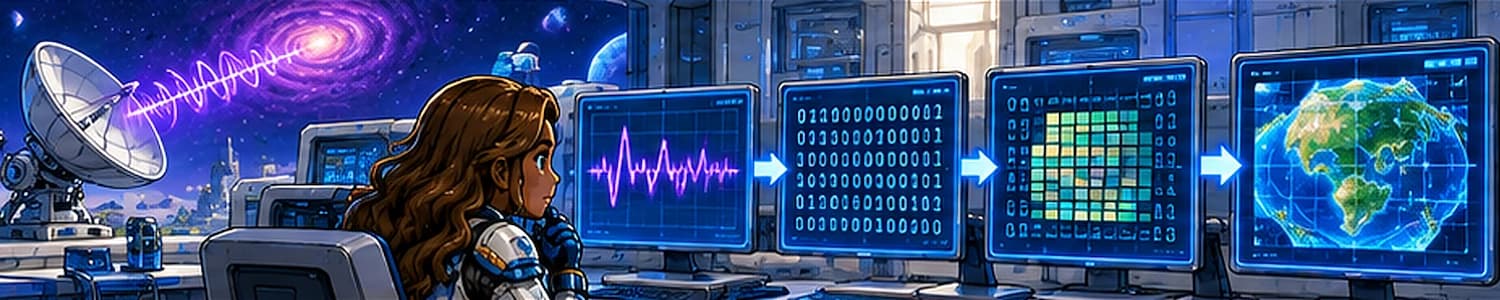
How computers capture the world through data, what digital records can reveal, and why the way they are presented matters when looking for answers.
What you will learn
Find out how a computer encodes text, colours, images, and location, and what zeros, ones, bits, and bytes mean. Explore encryption, compression, resolution, and ways to detect errors. Learn to judge whether data is sufficient to support a conclusion and to choose a map, diagram, or graph according to the part of reality you need to represent.
From individual records to organised datasets and information systems. Learn to arrange data so that people can find it, work with it, and rely on it.
What you will learn
Design a set of records with suitable fields and data types, and find out why different users of an information system need different permissions. In a spreadsheet, sort, filter, and check data, calculate with formulas and functions, and turn the results into charts. Try working with CSV files, preparing a table for print or PDF, and learn how data is organised in a database.
Laboratory of the Future: The Evolution of Technology
The History, Present, and Future of IT, Modern Technology, and AI
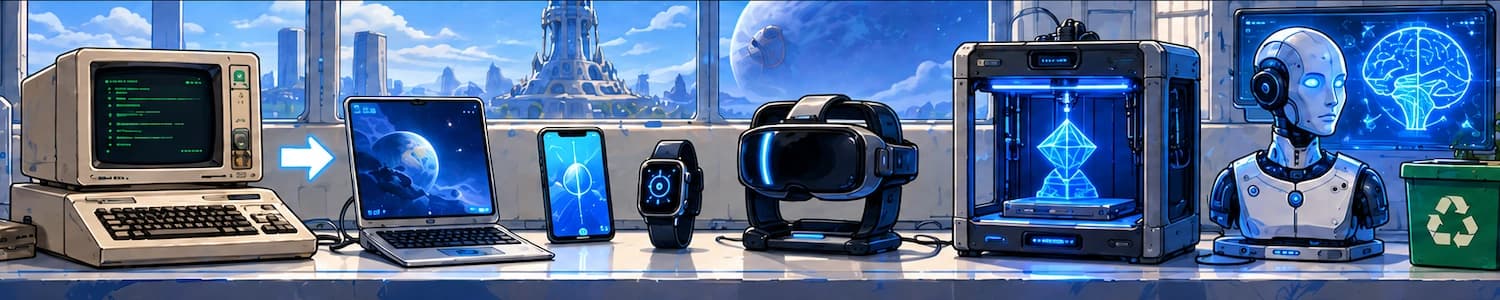
A look at how digital technology has changed, from the first computers to today's inventions. Modern technologies and artificial intelligence open up new possibilities and raise questions about their impact on people, society, and the environment.
What you will learn
Trace the development from computer networks to the internet and explore the possibilities of smart devices, virtual and augmented reality, and 3D printing. Find out how a machine learning model is trained and what generative AI can be used for. Learn to check its outputs, protect sensitive information, recognise scams involving AI, and assess technological decisions in light of their impact on society and the environment.
Reporting to Mission Control: Documents and Presentations
Digital Documents and Presentations
Creating digital documents and presentations with a clear purpose that others can easily understand. From organising source material to delivering a finished message to an audience.
What you will learn
Organise text using headings and styles, set up the page layout, and use lists, tables, and images effectively. Make your work readable and accessible, cite your sources, and use comments and revisions when working with others. Prepare a presentation with concise slides and purposeful visuals, practise your spoken delivery, and learn how to respond to questions and unexpected technical problems.
Digital Technology – Fundamentals of Hardware, Software, Networks, and the Internet
A voyage through digital technology—from computer components, software, and files through computer networks to the internet, the web, and cloud services.
What you will learn
Discover how computers and other digital devices work and how their components, operating systems, and applications work together. Learn to organise files, create reliable backups and archives, choose suitable devices and connection methods, understand local networks and how the internet works, and troubleshoot common technical problems systematically.
A mission focused on protecting devices, accounts, data, and digital identity from technical threats, scams, manipulation, and unsafe situations in the digital world.
What you will learn
Discover what needs protecting in the digital world, how security risks arise, how malware works and spreads, and how attackers use phishing and social engineering. Learn how to secure accounts, devices, data, digital identity, and privacy with strong unique passwords, multi-factor authentication, appropriate permissions, and other layers of protection; respond safely to incidents, unsafe online contact, and cyberbullying; and seek appropriate help promptly.
A journey through digital media, from how content is created and spreads to evaluating information, developing healthy habits, and creating your own content responsibly.
What you will learn
Find out who creates and funds media content, how recommendation algorithms work, and what role content moderation plays. Learn to verify news and sources and recognise misleading arguments, propaganda, and deepfakes. Understand digital wellbeing, copyright, and licences, and try planning, filming, and editing your own video.
The basics of algorithmic thinking and programming: describing procedures precisely, solving problems logically, and understanding how programs follow instructions.
What you will learn
Find out why the order and precision of steps matter in an algorithm. Learn to explain a procedure unambiguously and break a more complex task into smaller, manageable parts. Understand how events, loops, conditions, coordinates, inputs, messages, and variables work in block-based programs. Trace how a program runs, predict its result, spot errors in the procedure, and compare different solutions.
How computers capture the world through data, what digital records can reveal, and why the way they are presented matters when looking for answers.
What you will learn
Find out how a computer encodes text, colours, images, and location, and what zeros, ones, bits, and bytes mean. Explore encryption, compression, resolution, and ways to detect errors. Learn to judge whether data is sufficient to support a conclusion and to choose a map, diagram, or graph according to the part of reality you need to represent.
From individual records to organised datasets and information systems. Learn to arrange data so that people can find it, work with it, and rely on it.
What you will learn
Design a set of records with suitable fields and data types, and find out why different users of an information system need different permissions. In a spreadsheet, sort, filter, and check data, calculate with formulas and functions, and turn the results into charts. Try working with CSV files, preparing a table for print or PDF, and learn how data is organised in a database.
Laboratory of the Future: The Evolution of Technology
The History, Present, and Future of IT, Modern Technology, and AI
A look at how digital technology has changed, from the first computers to today's inventions. Modern technologies and artificial intelligence open up new possibilities and raise questions about their impact on people, society, and the environment.
What you will learn
Trace the development from computer networks to the internet and explore the possibilities of smart devices, virtual and augmented reality, and 3D printing. Find out how a machine learning model is trained and what generative AI can be used for. Learn to check its outputs, protect sensitive information, recognise scams involving AI, and assess technological decisions in light of their impact on society and the environment.
Reporting to Mission Control: Documents and Presentations
Digital Documents and Presentations
Creating digital documents and presentations with a clear purpose that others can easily understand. From organising source material to delivering a finished message to an audience.
What you will learn
Organise text using headings and styles, set up the page layout, and use lists, tables, and images effectively. Make your work readable and accessible, cite your sources, and use comments and revisions when working with others. Prepare a presentation with concise slides and purposeful visuals, practise your spoken delivery, and learn how to respond to questions and unexpected technical problems.